Motion
Motion at Mori is slow and soft, like steam off a bowl. Things ease in and settle; nothing snaps or bounces. One curve and three timings cover the website, the booking app and the screen by the door.
Three habits keep motion feeling like the studio.
Our curve starts soft and lands softer. Use it for anything that moves, in place of a tool's default. Small things take the fast timing, most moves the base, and a page or a panel the slow one. With reduced motion on, replace every move with a short fade.
The curve on the pieces every screen has: a button pressing, a class card opening, a menu unfolding from the thing you tapped, a booking confirmed. The sprout settles into place the same way.

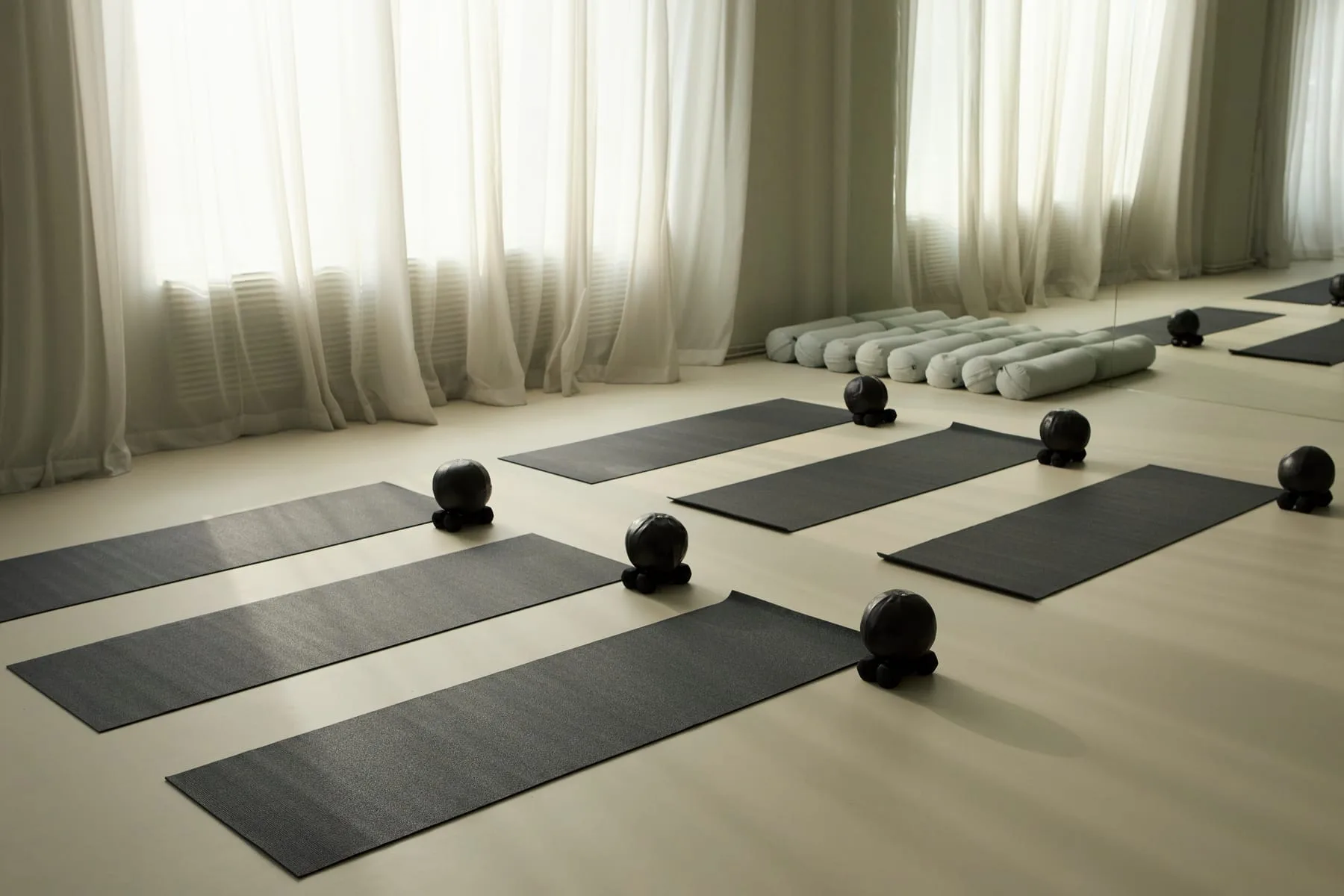
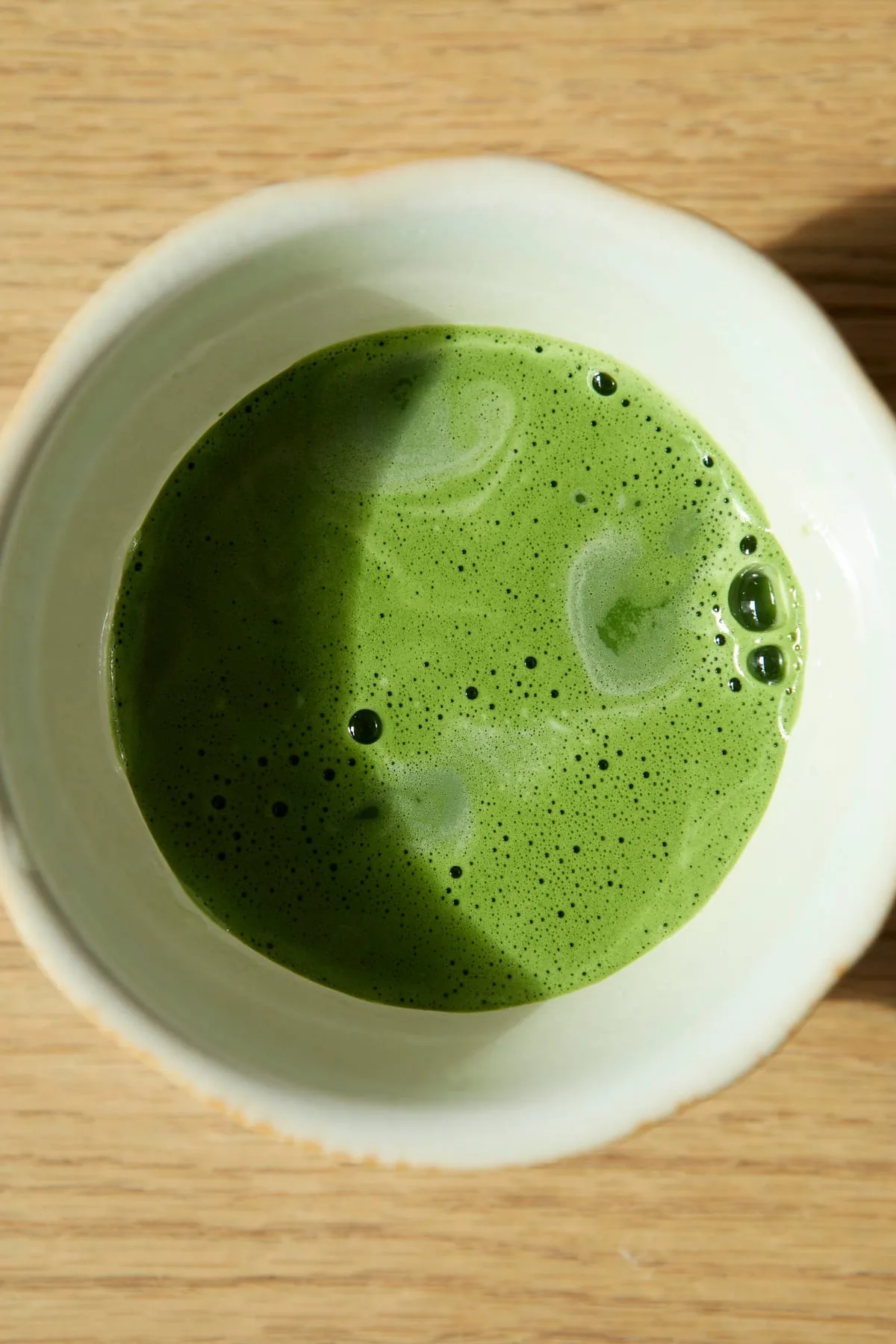

Three calls that come up in almost every screen.
Fade in, then settle on our curve.
Bounce, spring or slide in from the edge.
Show a slow, steady pulse and move on the moment it is ready.
Spin anything.
With reduced motion on, use a short fade instead of a move.
Animate large areas of the screen.